Backgrounds
Set the scene.
Soft gradients, bold colors, and flowing backgrounds. Find a little atmosphere for every screenshot.
 Page GlowTry the editor ↗
Turn everyday screenshots into beautiful stills and animated visuals.
A backdrop, a little motion, and suddenly it’s worth sharing.
No account. No watermark. Your screenshots stay yours.
Page Glow↓ Export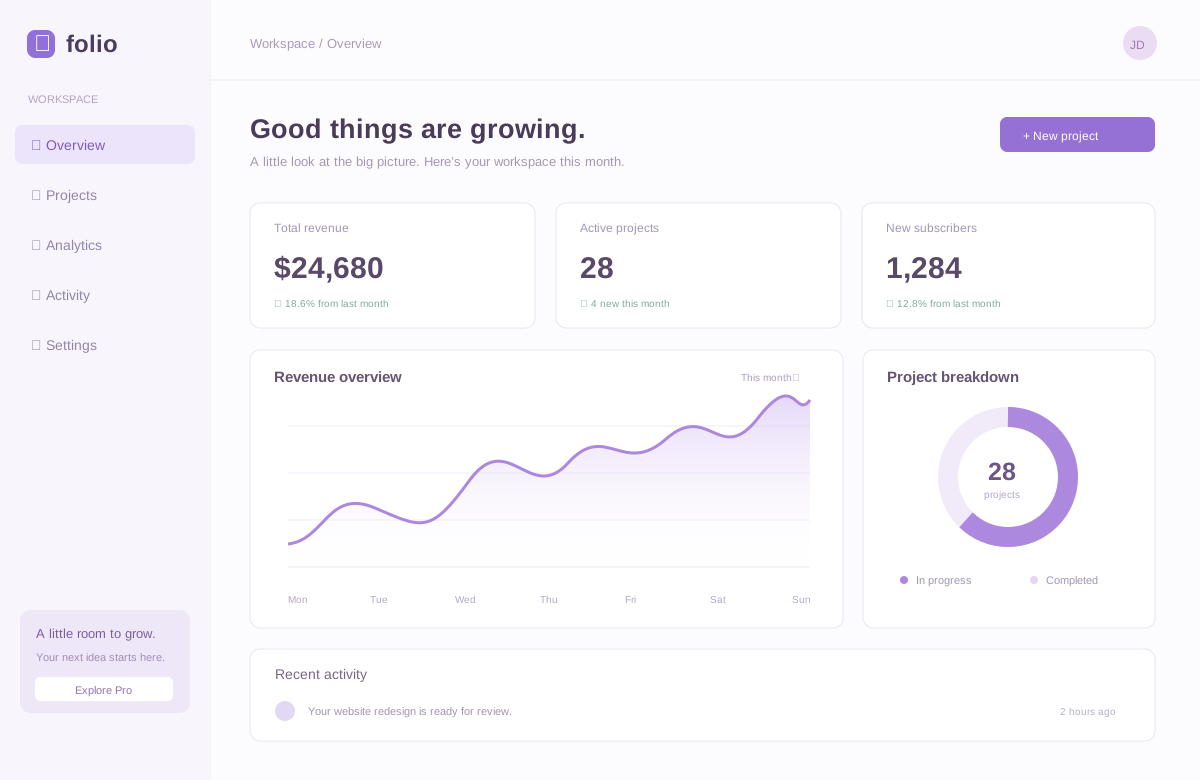
Small details. Big difference.
No complicated timelines. No design degree.
Just a few thoughtful tools to make your work shine.
Soft gradients, bold colors, and flowing backgrounds. Find a little atmosphere for every screenshot.
A gentle float. A slow zoom. A playful sway. Turn a still screenshot into something you stop to watch.
Choose a light or dark browser frame and size the canvas for where you plan to share it.
Still beautiful. Even better in motion.
Keep it clean with a crisp PNG. Or add a smooth loop that makes people take a second look. Same screenshot, a whole new feeling.
Find your favorite motion →Less editing. More sharing.
Capture a browser tab with the extension, or drop a screenshot into the editor.
Pick a backdrop, frame your work, and add a little motion.
Export a still image or a looping animation. Ready for wherever your work goes.
No. Capture, styling, animation, and export happen in your browser. The extension keeps your latest capture locally so you can reopen it; a new capture replaces the previous one.
Yes. Export stills as PNG, JPG, or WebP. Animated compositions export as looping GIF or WebM video. MP4 appears when your browser supports it. GIF exports are up to 720 pixels wide at 12 frames per second.
This version captures the visible part of the tab. You can also upload or paste an existing screenshot. Full-page capture is not included yet.
No account or payment is required for this development build. Open the editor and make something.